Common Receipt Mistakes and How to Avoid Them
Finance & Career
Common Receipt Mistakes and How to Avoid Them
A poorly prepared receipt can create confusion, make payment verification more difficult, and complicate your financial records. Although receipts are simple documents, small mistakes can reduce their effectiveness.
Whether you are a freelancer, consultant, contractor, or small business owner, avoiding these common errors will help you issue more professional and reliable receipts.
1. Leaving out important information
One of the most common mistakes is forgetting to include essential details such as the customer's name, payment amount, or description of the service provided.
Before issuing a receipt, always review every field to ensure nothing has been missed.
2. Using vague descriptions
Writing generic descriptions such as "Payment received" or "Services rendered" provides very little context.
Instead, use specific descriptions like:
- Website development services.
- Financial consulting.
- Computer repair service.
- Private English lessons.
Clear descriptions make future reference much easier.
3. Entering the wrong payment amount
A typing mistake can lead to disagreements between both parties and reduce the usefulness of the receipt.
Always double-check the amount before generating or printing the document.
4. Forgetting the payment date
The payment date is one of the most important parts of a receipt because it identifies exactly when the transaction took place.
Without it, tracking payments becomes much more difficult.
5. Failing to identify the customer properly
Include the customer's full name and, when appropriate, their tax identification number or business information to avoid ambiguity.
6. Not keeping a copy
Many professionals hand the receipt to the customer but fail to save their own copy.
Maintaining a receipt history makes accounting, customer support, and payment verification much easier.
7. Creating every receipt manually
Starting from scratch each time increases the likelihood of mistakes and wastes valuable time.
Using a receipt application that stores customer information and receipt history makes the process faster and more consistent.
Best practices when issuing receipts
- Review all information before sending the receipt.
- Use clear and specific payment descriptions.
- Verify payment amounts carefully.
- Keep a digital copy of every receipt.
- Generate PDF receipts for easier sharing.
- Organize receipts by customer or date.
Frequently Asked Questions
Can I correct a receipt after sending it?
It is generally better to issue a corrected receipt rather than modifying the original, ensuring your payment records remain consistent.
Should I keep copies of my receipts?
Yes. Keeping copies helps with accounting, customer support, and payment verification whenever needed.
Do digital receipts help reduce mistakes?
Yes. Receipt apps reduce repetitive data entry, reuse customer information, and help keep documents organized.
Is PDF the best format for receipts?
For most professionals, yes. PDF files preserve formatting, are easy to share electronically, and can be stored securely for future reference.
Conclusion
Avoiding common receipt mistakes helps you maintain accurate financial records, improve professionalism, and make payment verification much easier.
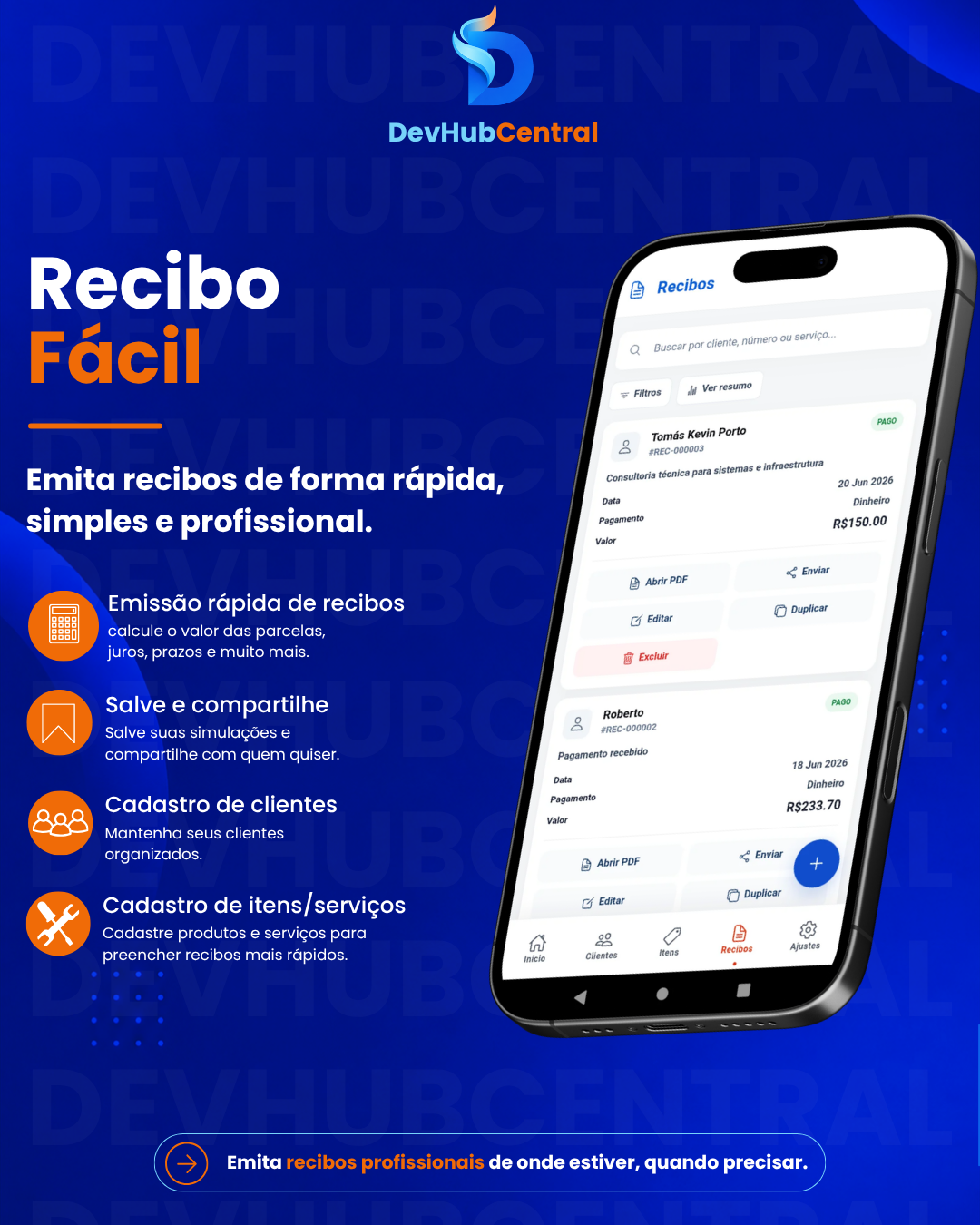
Recibo Fácil was designed to simplify this process. With the app, you can save customer information, generate professional PDF receipts, add digital signatures, and maintain a complete receipt history directly on your Android device, reducing errors and saving valuable time.

Equipe DevHubCentral
Somos uma equipe apaixonada por tecnologia, desenvolvimento de apps e soluções digitais que ajudam pessoas a organizar, evoluir e empreender.
BLOG.LER_SEGUIR

How to Organize Your Anime Watch List and Never Forget What You Have Watched
Learn how to organize your anime watch history, keep track of episodes and seasons, and build a complete personal anime library.

The Best Apps to Organize Movies and TV Shows
Discover some of the best apps for organizing movies, TV shows, anime, and documentaries while keeping track of everything you have watched.

How to Create a Movie Watchlist and Never Run Out of Things to Watch
Learn how to build an organized watchlist for movies, TV shows, anime, and documentaries so you never forget great recommendations or run out of something to watch.